7. Odin1 Quick Start (Ubuntu)
📄 Download English PDF: Odin1 Quick Start Guide
7.1 Hardware Setup
Hardware: Odin1 main unit, data cable, power cable (the power adapter must be supplied by the user).
PC: Ubuntu 20.04 (ROS 1 / ROS 2) or Ubuntu 22.04 (ROS 2).
7.2 Connect the Device to the PC
lsusb
# 2207:0019 is the Odin USB device ID
Bus 002 Device 014: ID 2207:0019 Fuzhou Rockchip Electronics Company hawk
7.3 Get the Driver
git clone https://github.com/manifoldsdk/odin_ros_driver.git
7.4 Create udev Rules
sudo gedit /etc/udev/rules.d/99-odin-usb.rules
# Paste the following line into 99-odin-usb.rules and save:
SUBSYSTEM=="usb", ATTR{idVendor}=="2207", ATTR{idProduct}=="0019", MODE="0666", GROUP="plugdev"
# Reload and re-trigger the rules
sudo udevadm control --reload
sudo udevadm trigger
7.5 Run the Driver
📌 Make sure the device is properly powered and connected to the computer before running the driver.
mkdir -p catkin_ws/src
# Copy odin_ros_driver into the src folder. $PATH below is your own working path.
cp -r $PATH/odin_ros_driver $PATH/catkin_ws/src
# The driver provides build scripts under catkin_ws/src/odin_ros_driver/script/
./build_ros2.sh      # For ROS 1, run build_ros.sh instead
cd $PATH/catkin_ws
source install/setup.bash
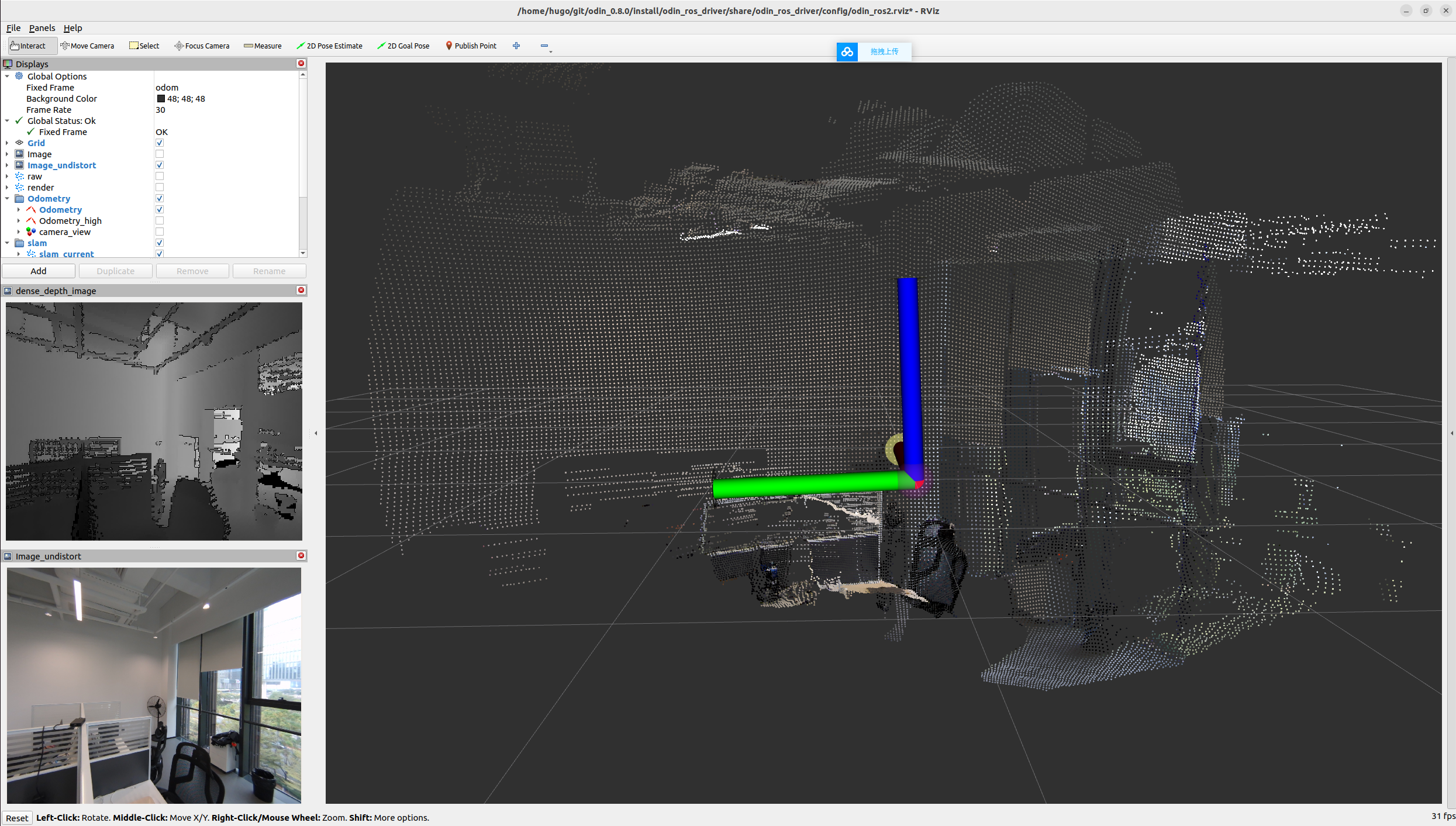
ros2 launch odin_ros_driver odin1_ros2.launch.py